
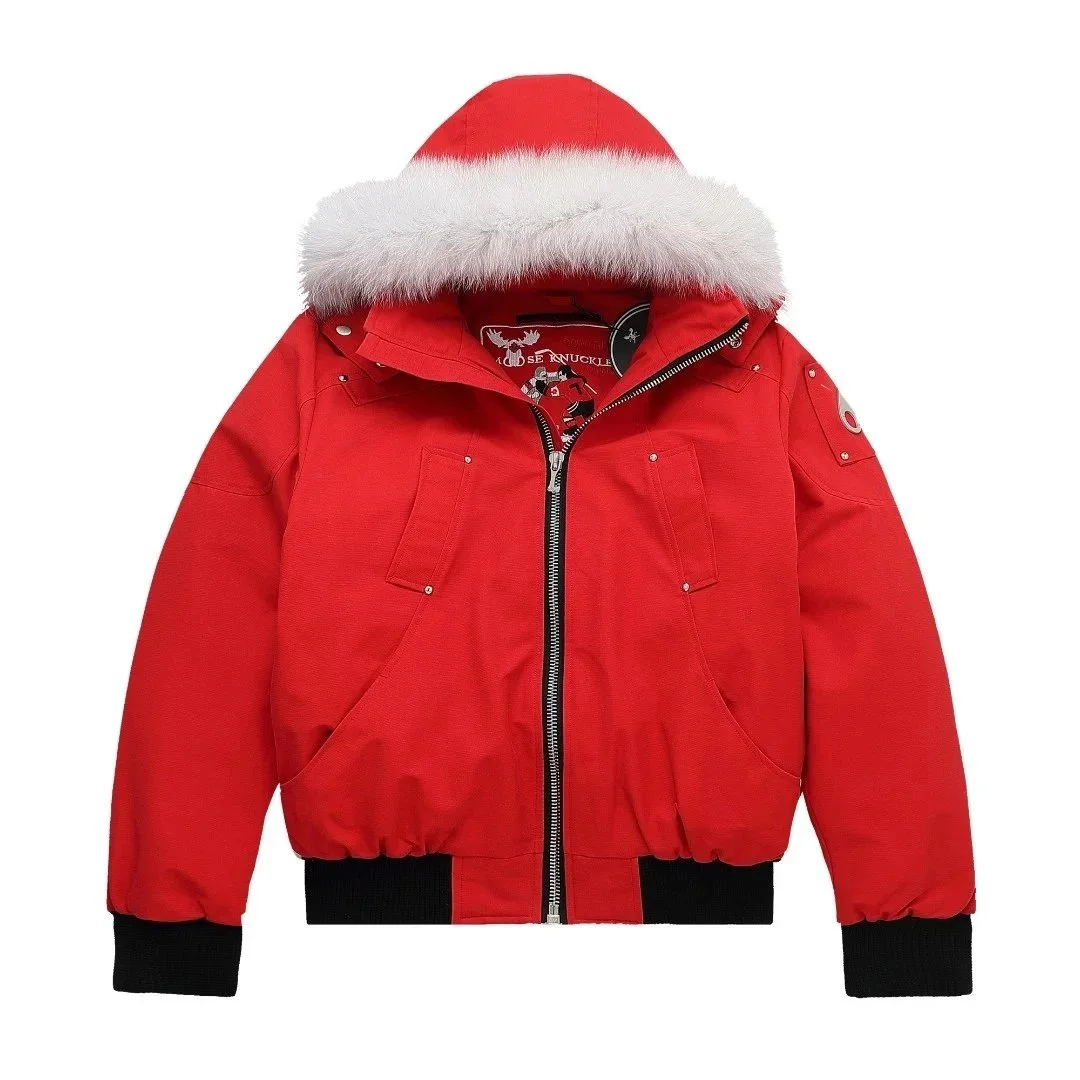
Moose Knuckles
Red Bomber Jacket with Fur Hood
~$90.28

Discover your next favourite.
Explore selected finds, compare reference prices and view available QC photos.
Search opens the main catalogue in a new tab.
Browse more Pikobuy Spreadsheet productsStart from the ground up.
Everyday, with a little character.
Long or short. Find your fit.
The layers you reach for.
A good outer layer changes things.
Carry a little more personality.
A little tech. A little play.
The finishing touches.
Layers for everyday wear and seasonal gatherings.
Moose Knuckles
~$90.28
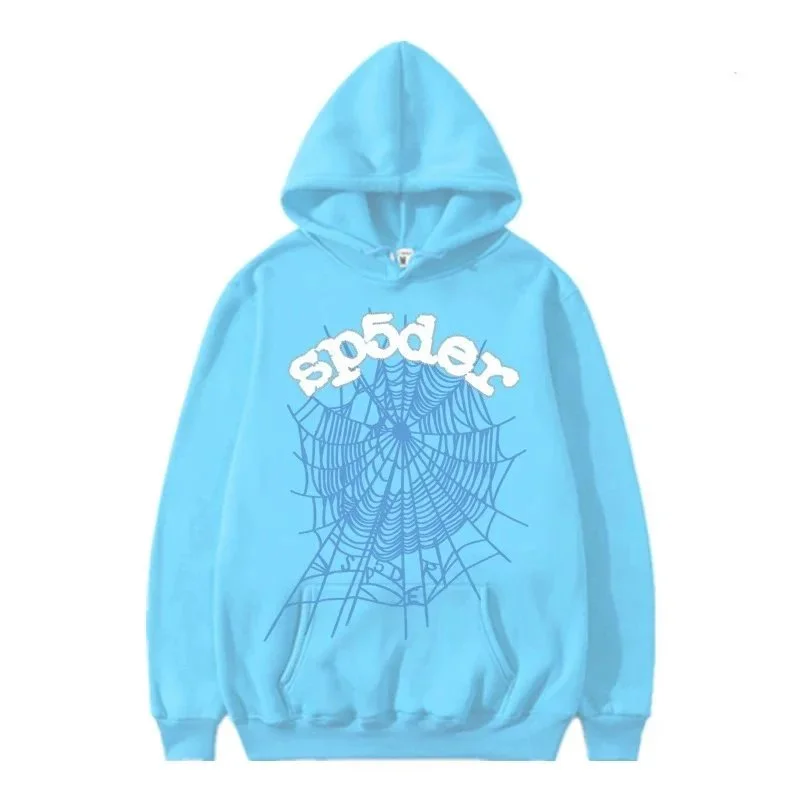
SP5DER
~$33.06
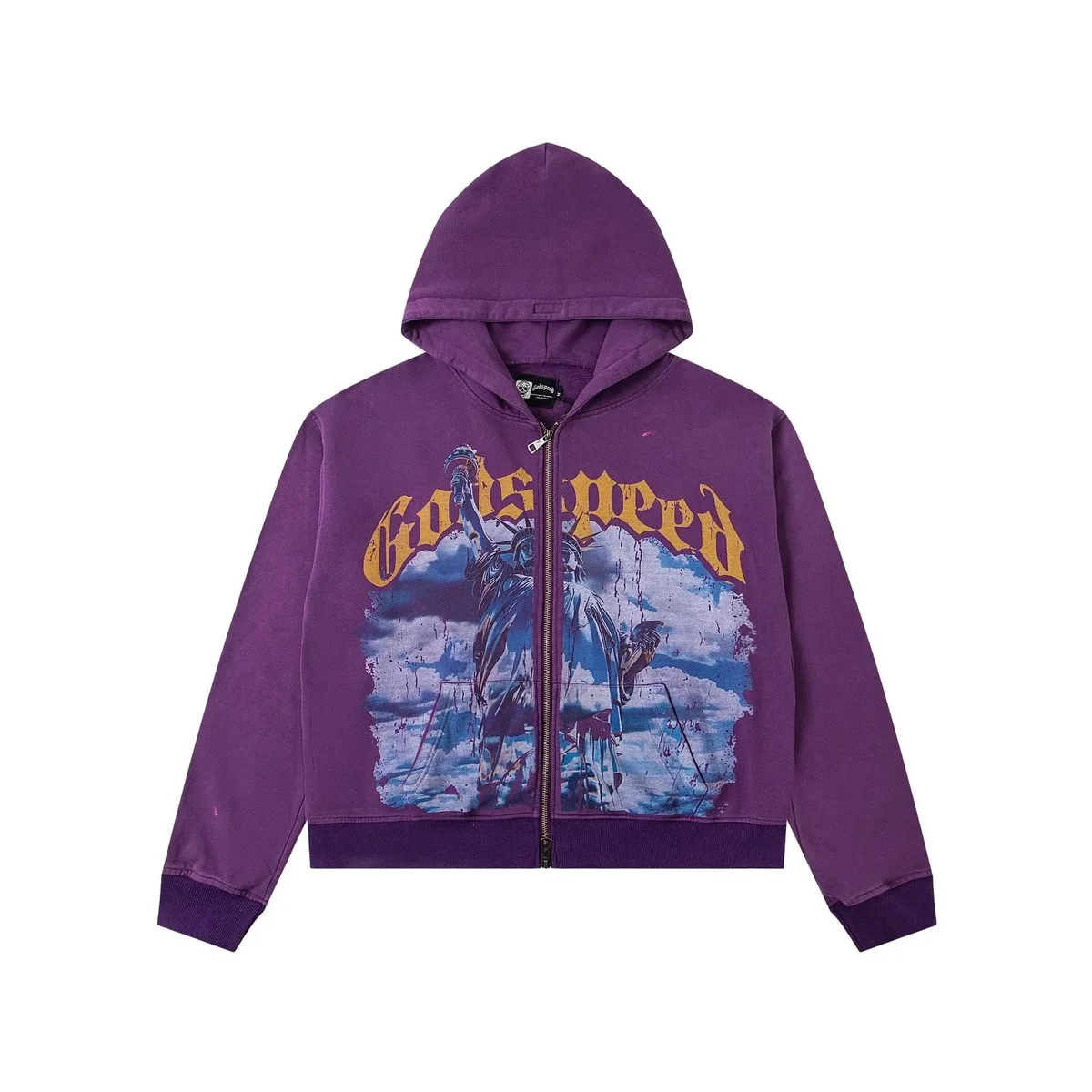
Godspeed
~$32.22
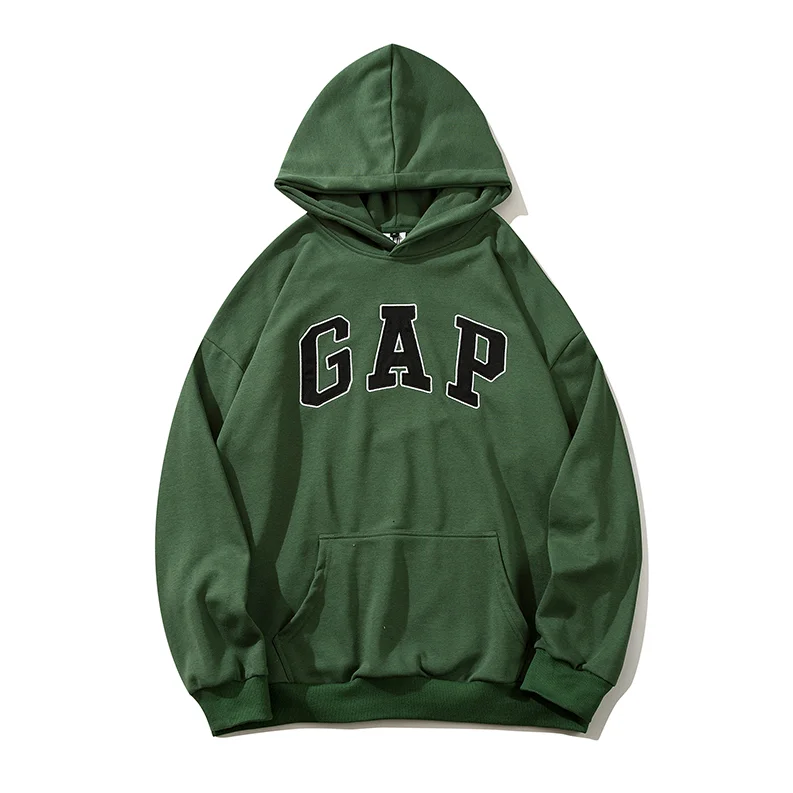
GAP
~$33.33
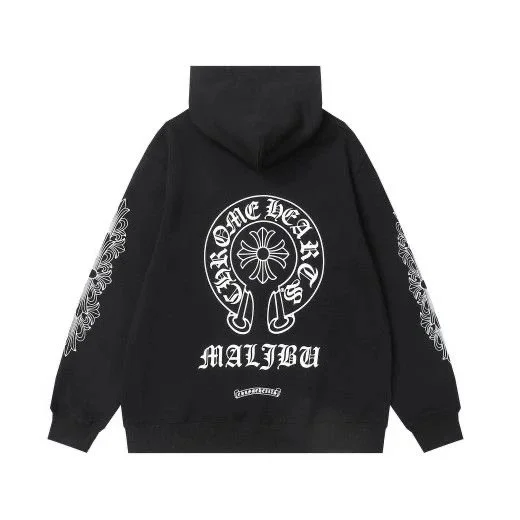
Chrome Hearts
~$19.17
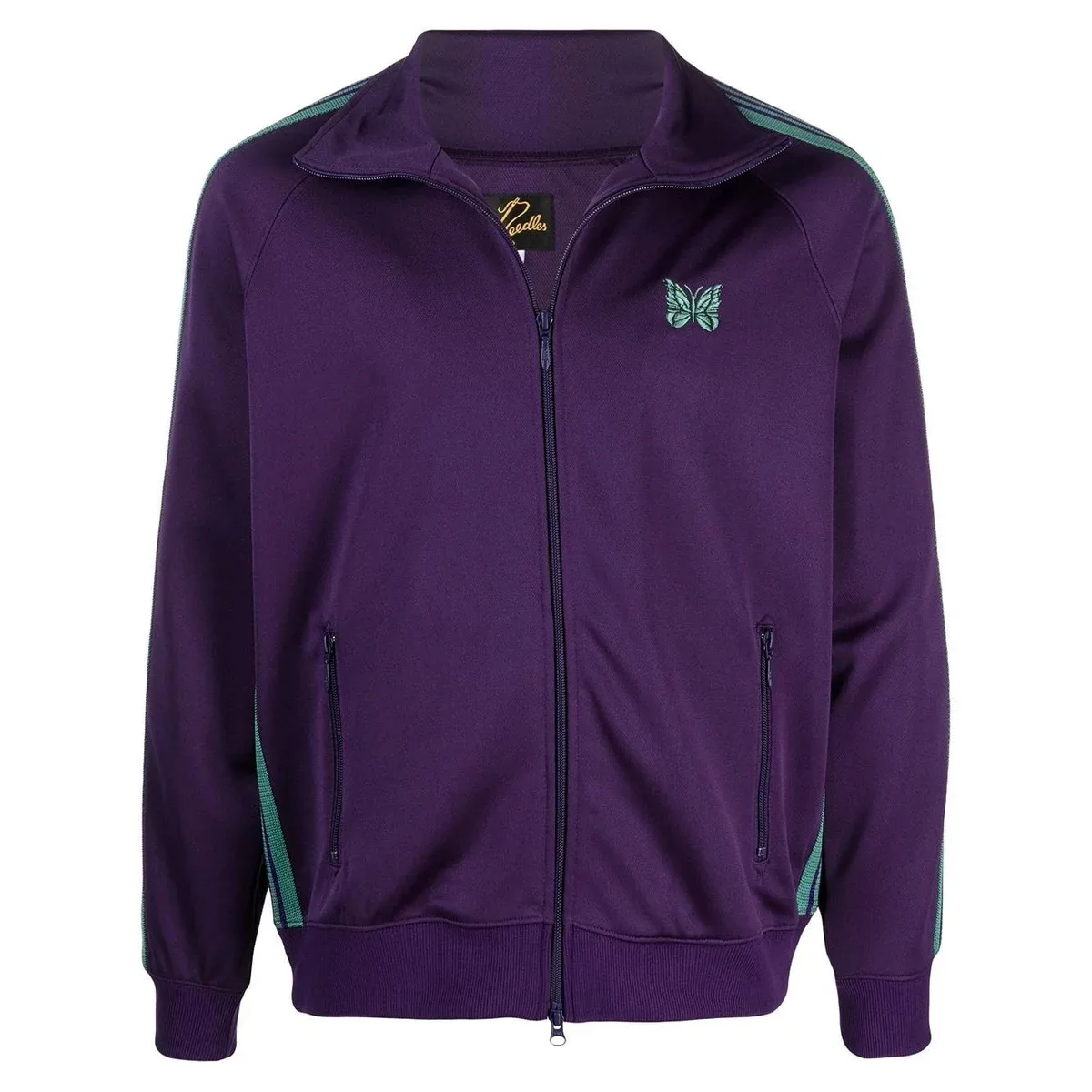
Needles
~$35.14
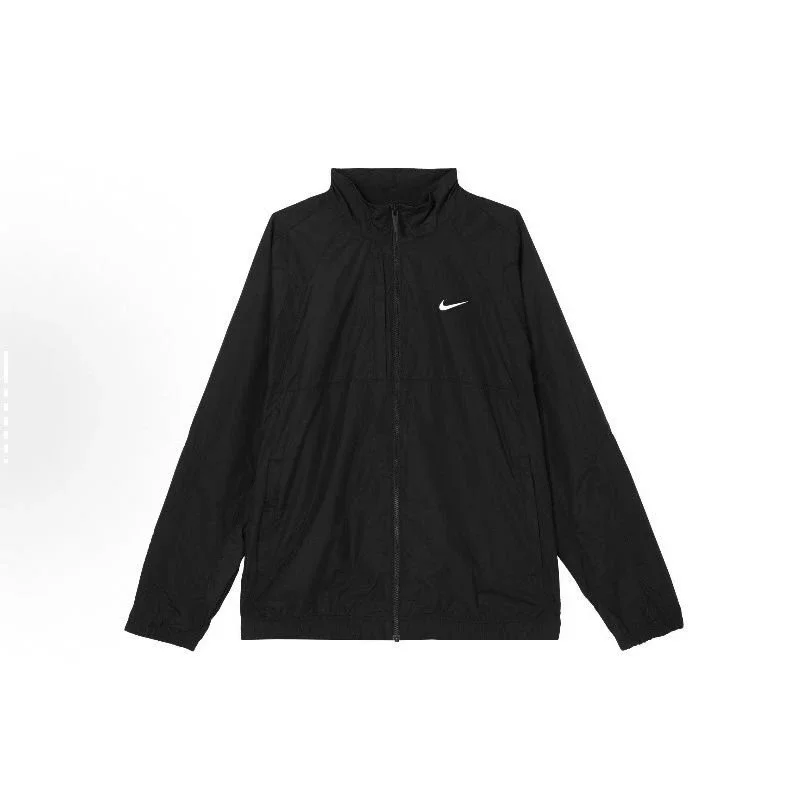
Nike
~$31.94
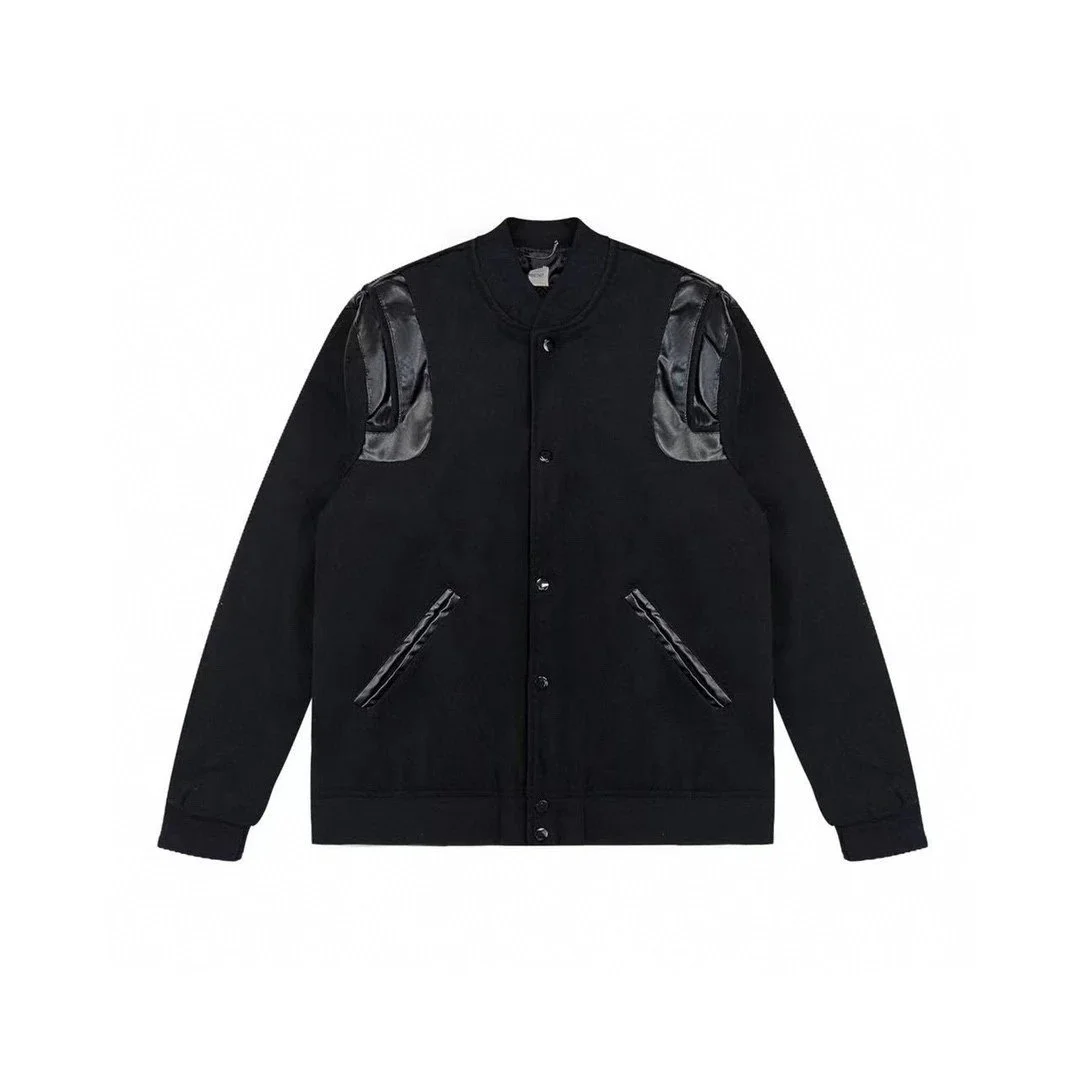
Saint Laurent
~$55.42
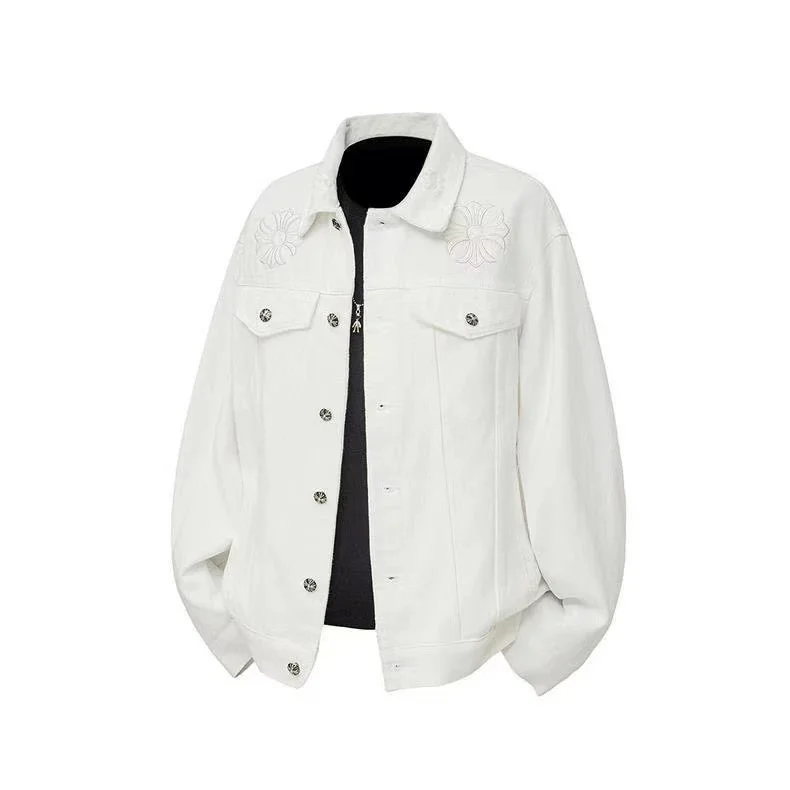
Chrome Hearts
~$38.13
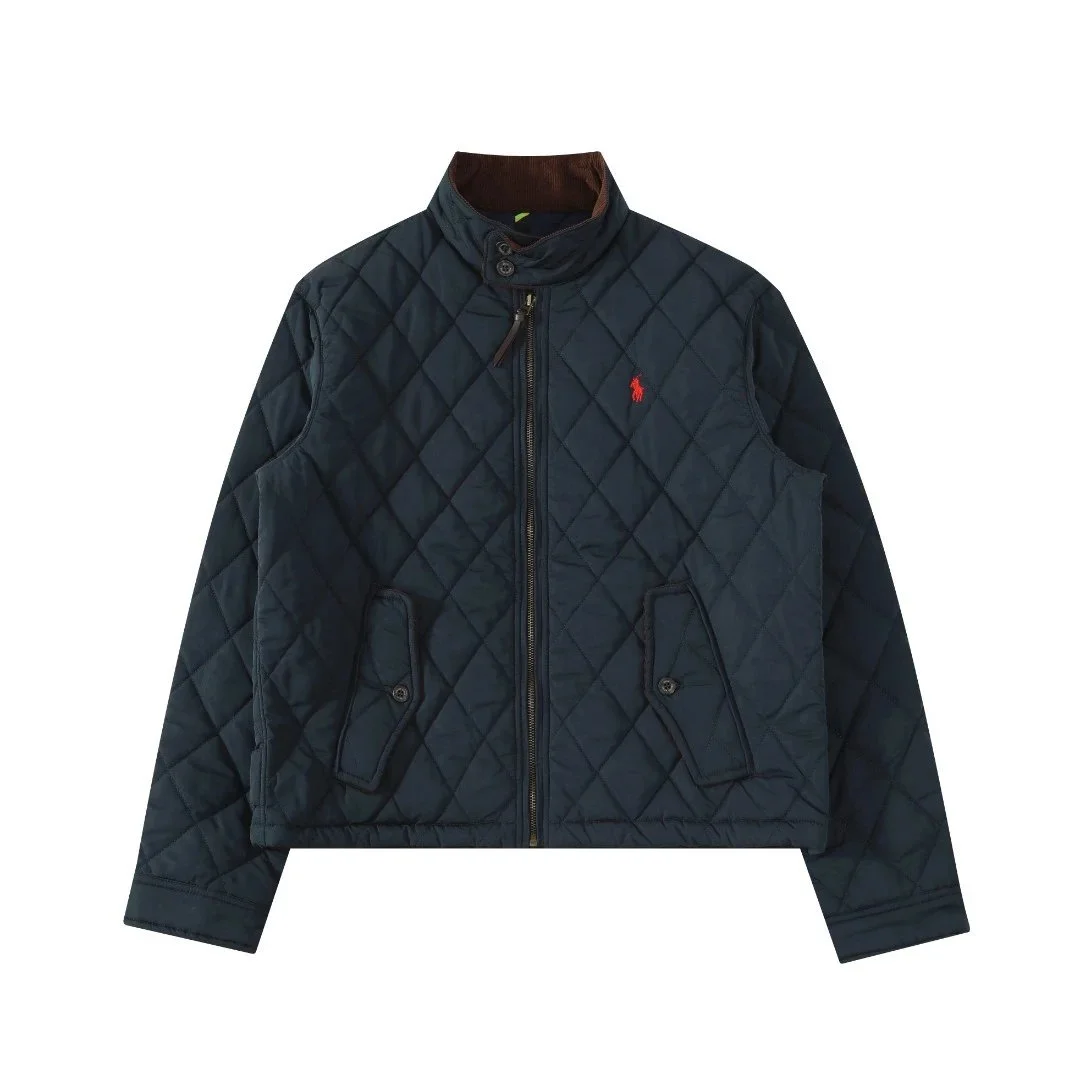
Polo Ralph Lauren
~$97.08
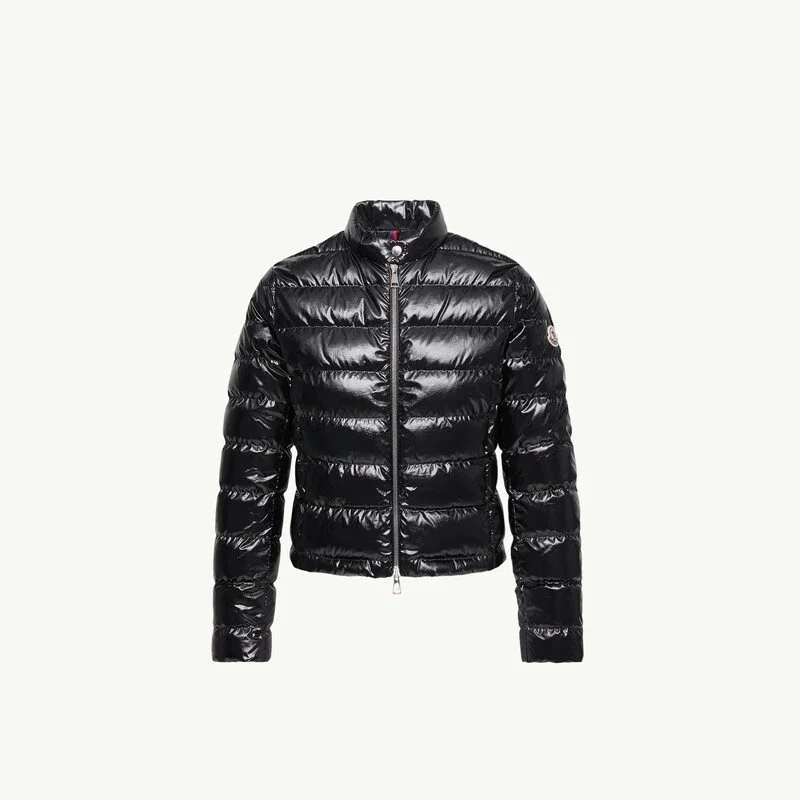
Moncler
~$138.61
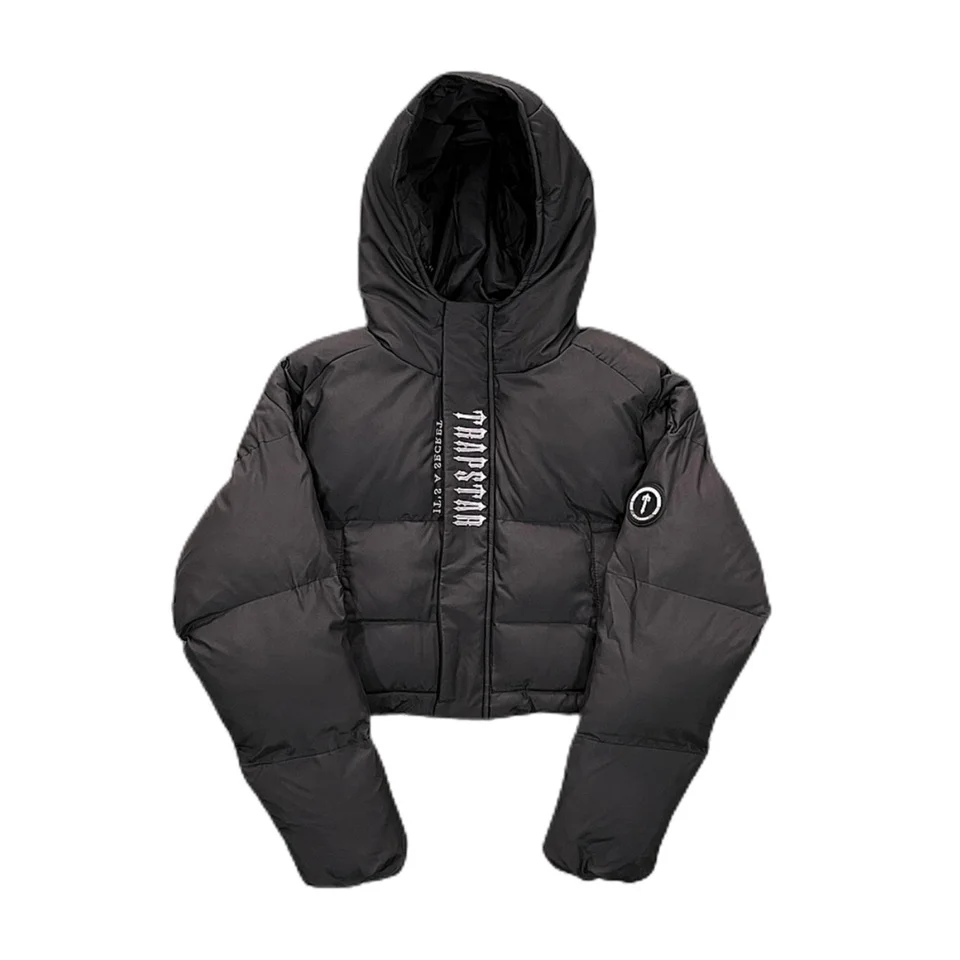
Trapstar
~$41.39
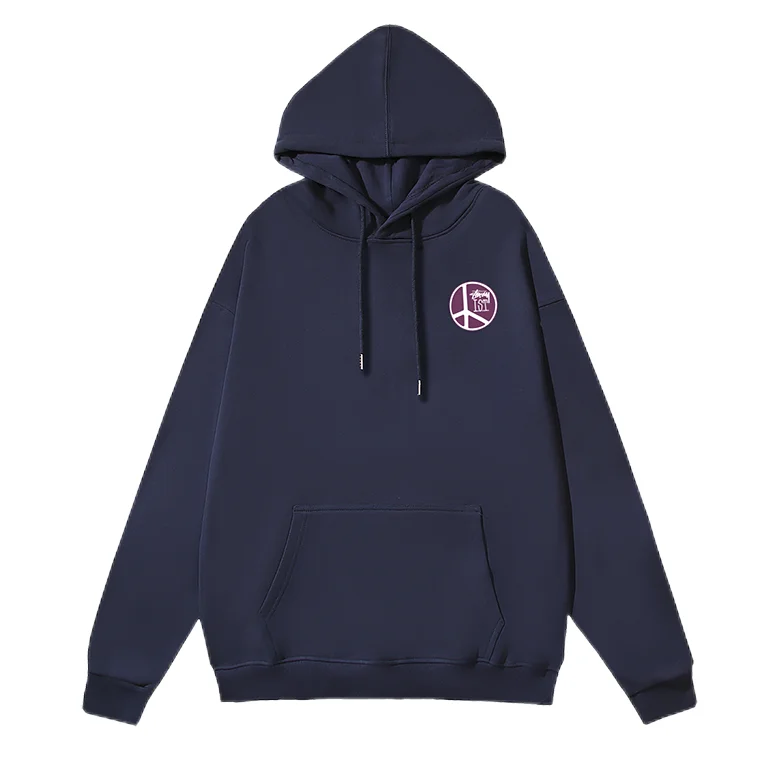
Stussy
~$24.17
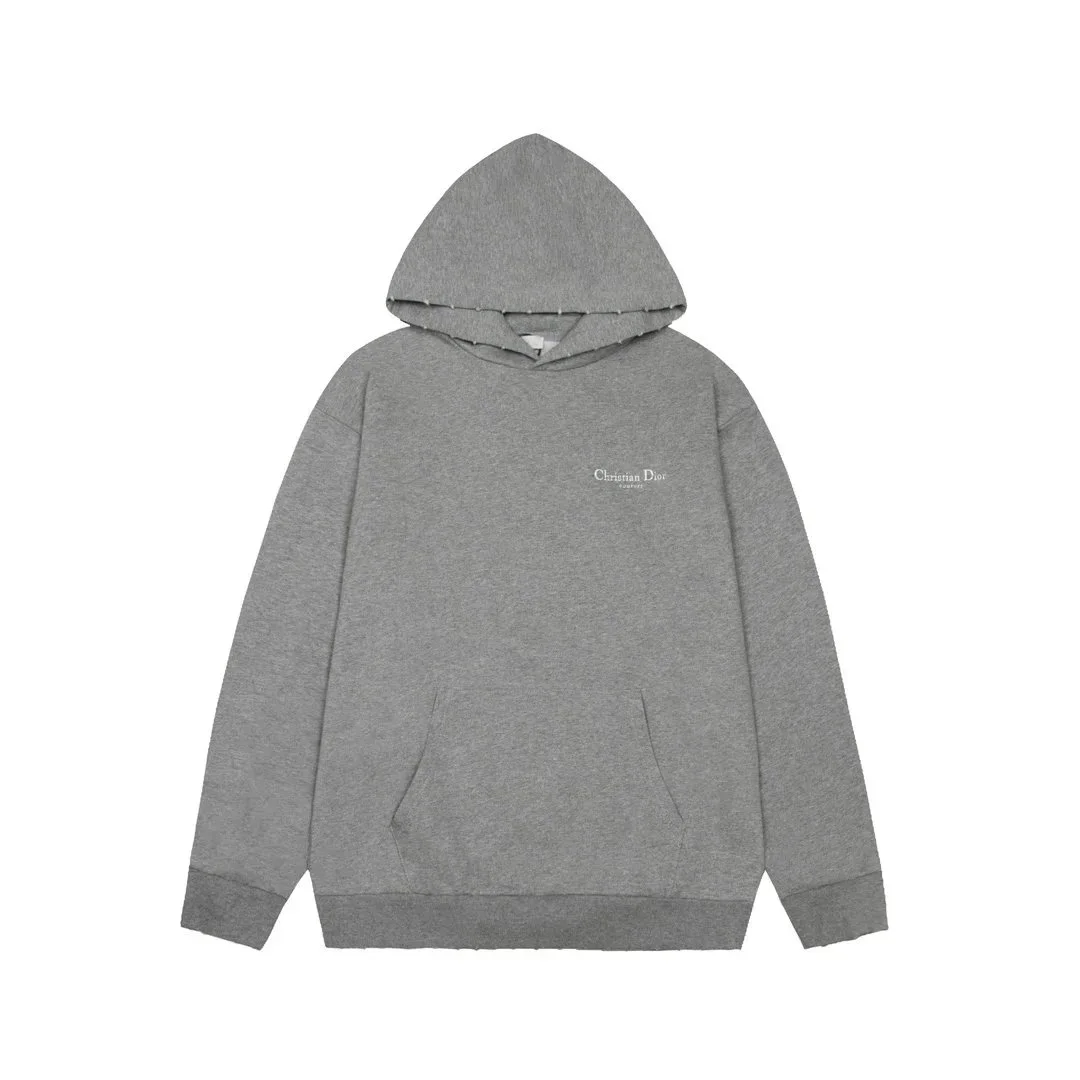
Dior
~$24.67
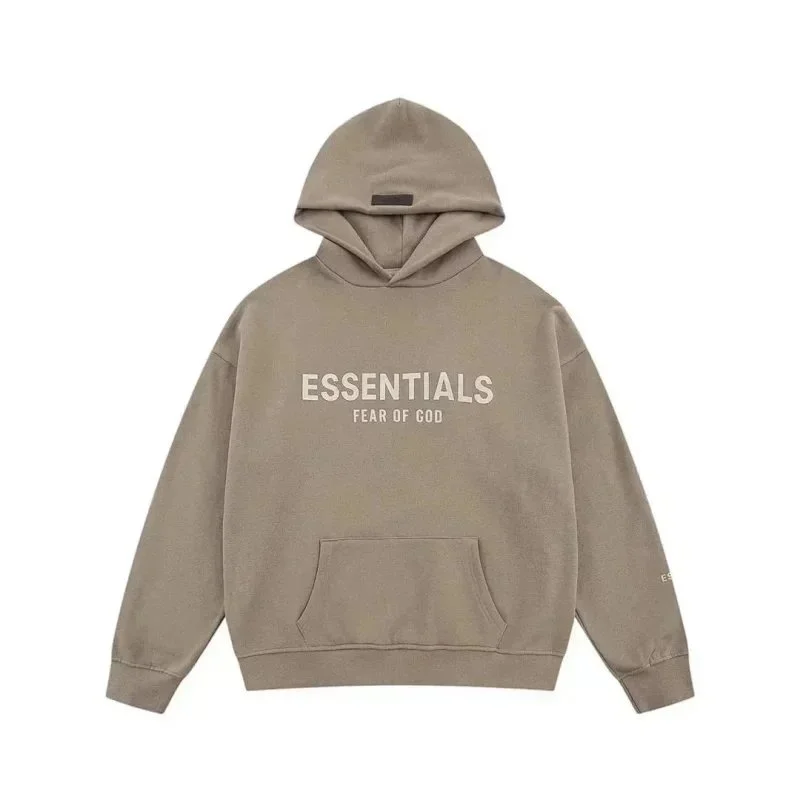
Fear of God
~$31.33
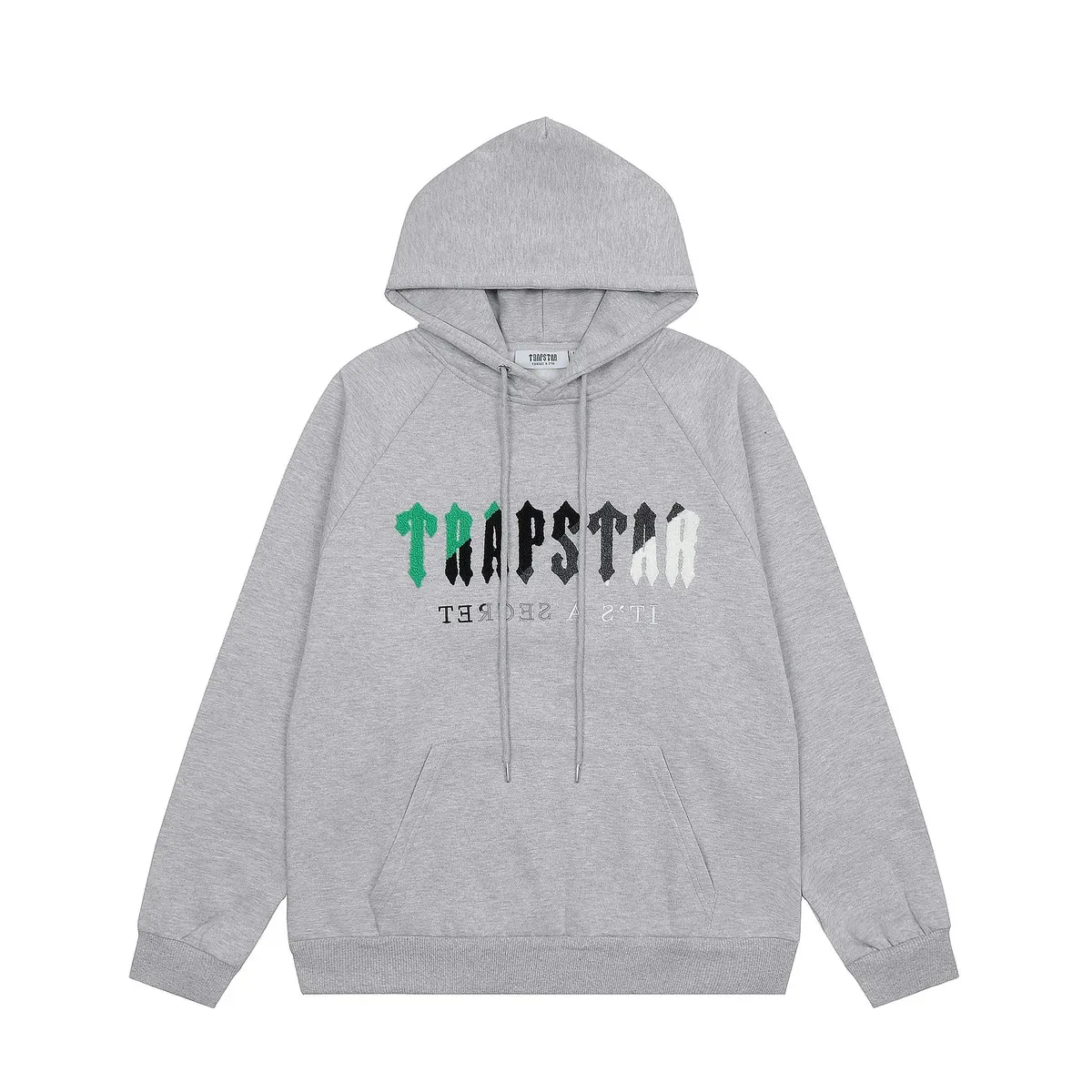
Trapstar
~$23.33
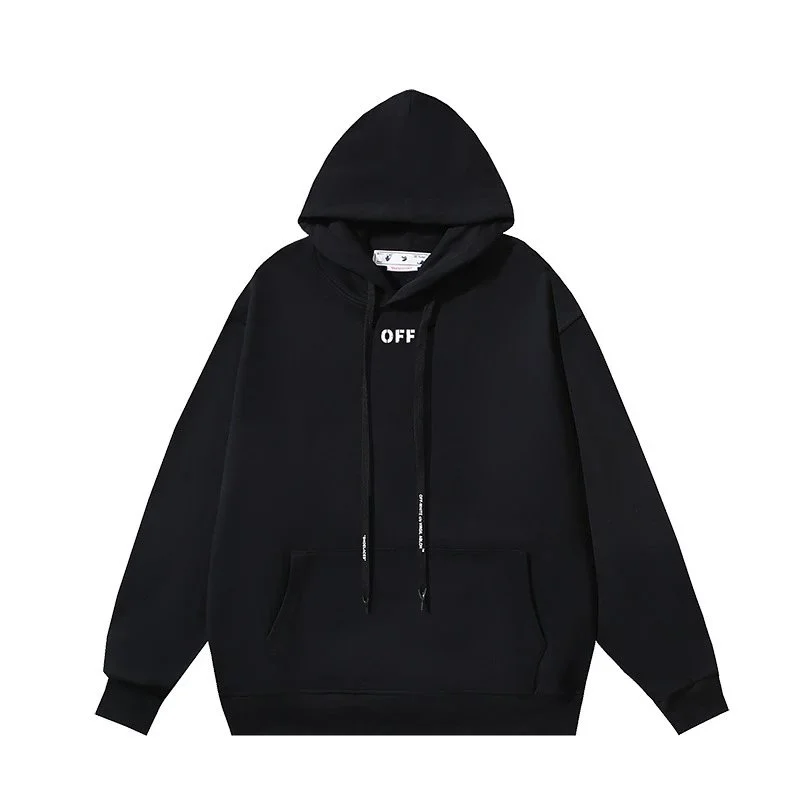
Off-White
~$16.39
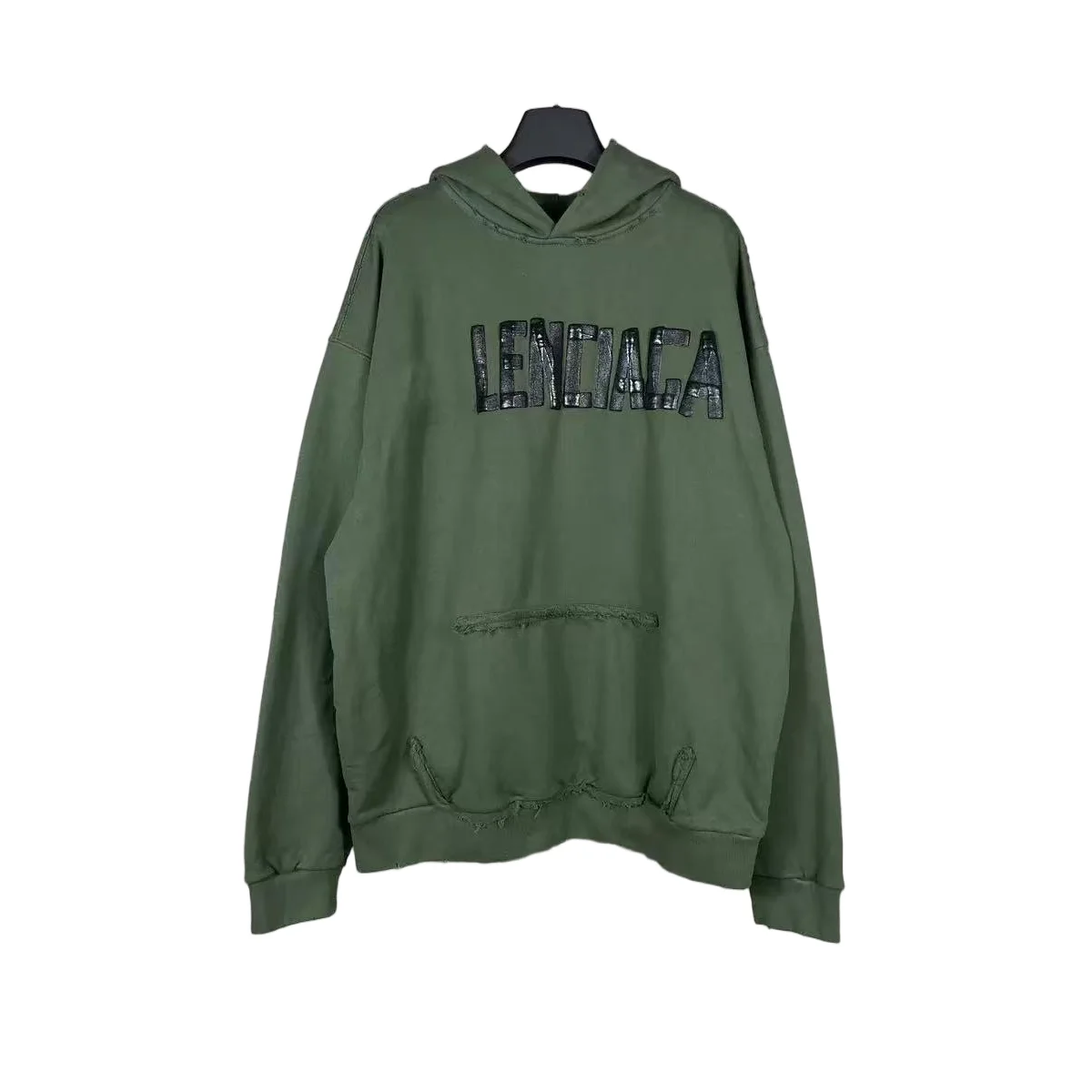
Balenciaga
~$47.92
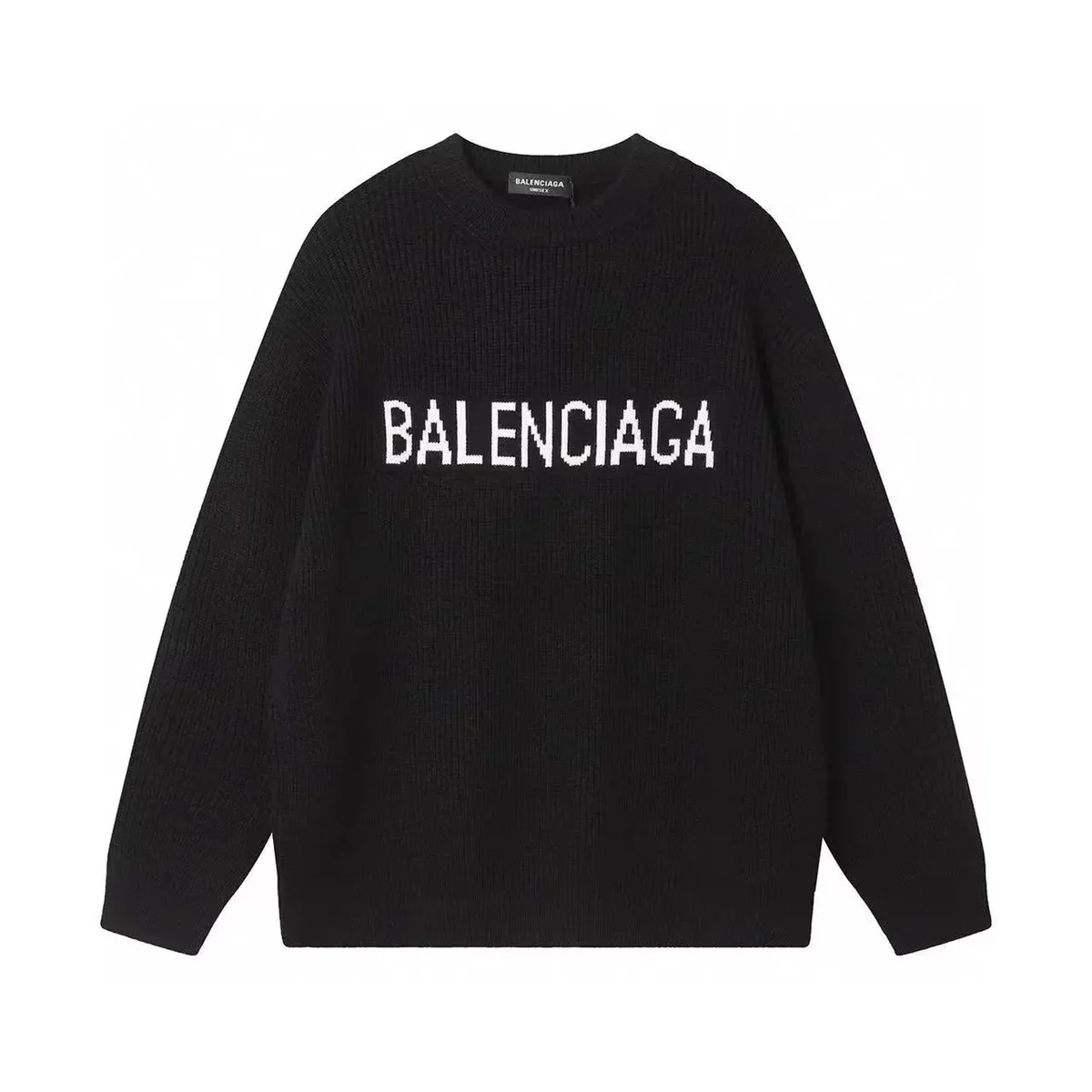
Balenciaga
~$27.64
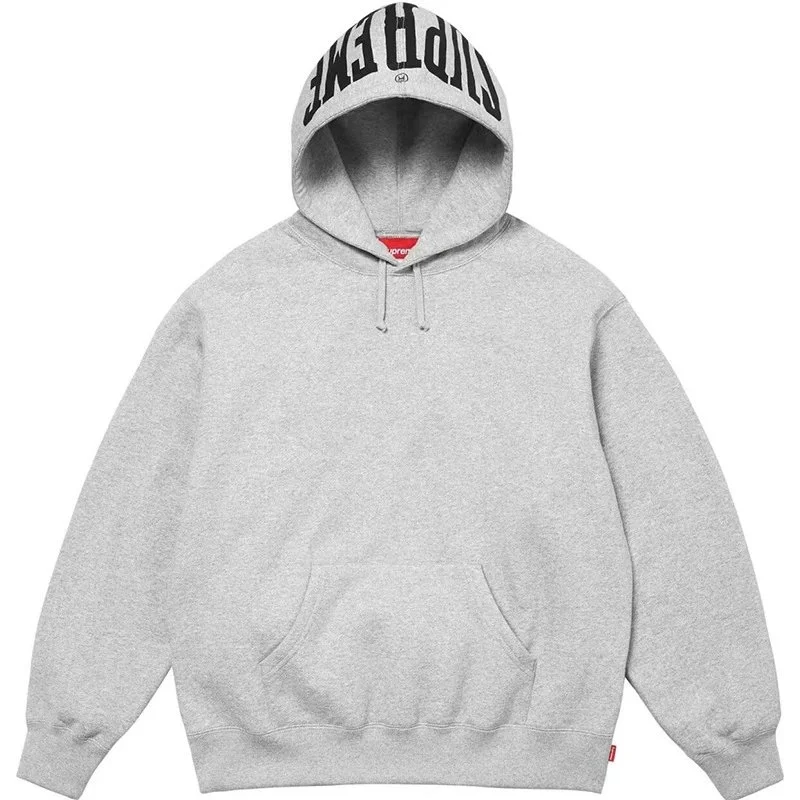
Supreme
~$44.50
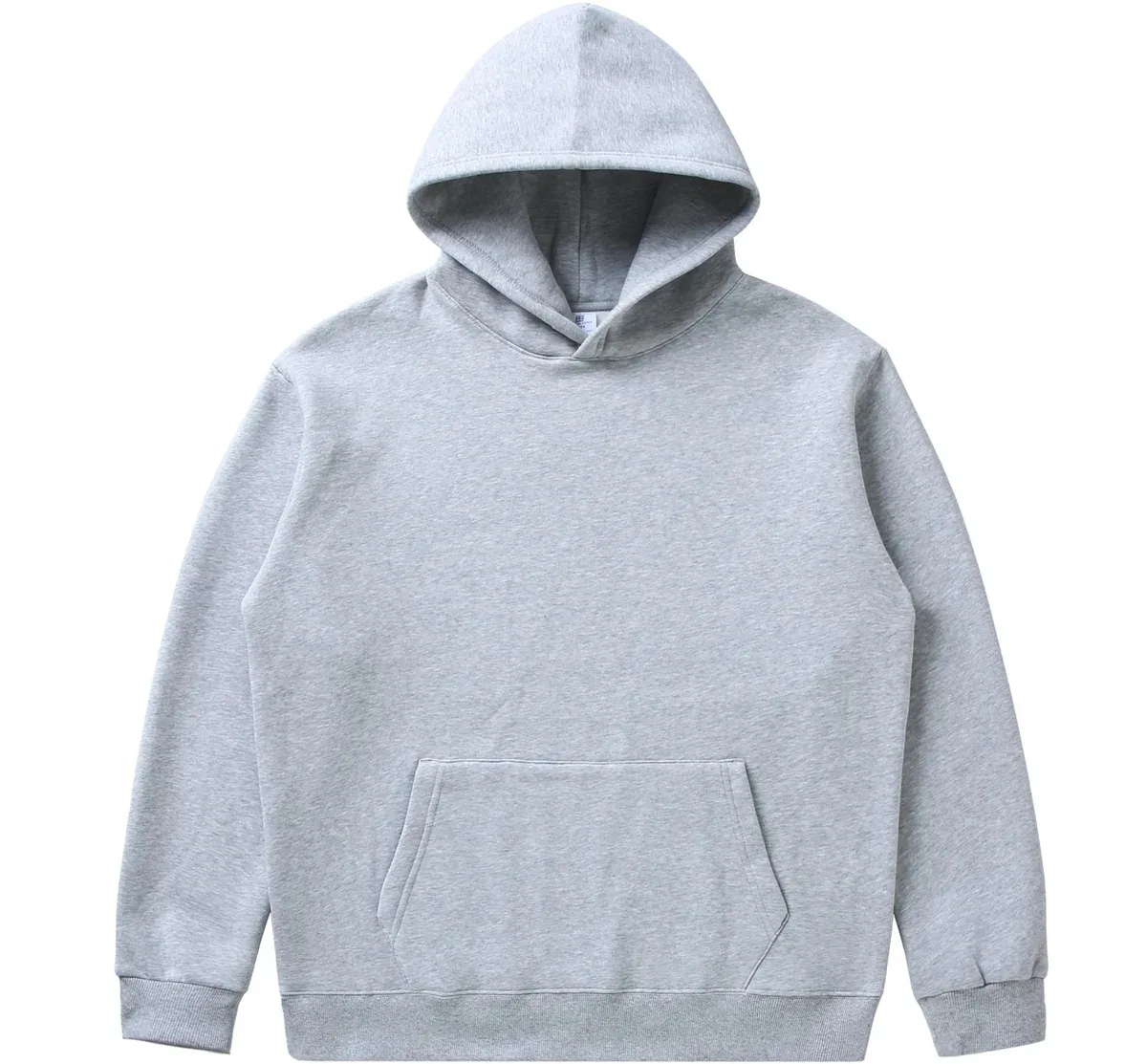
Uniqlo
~$15.14
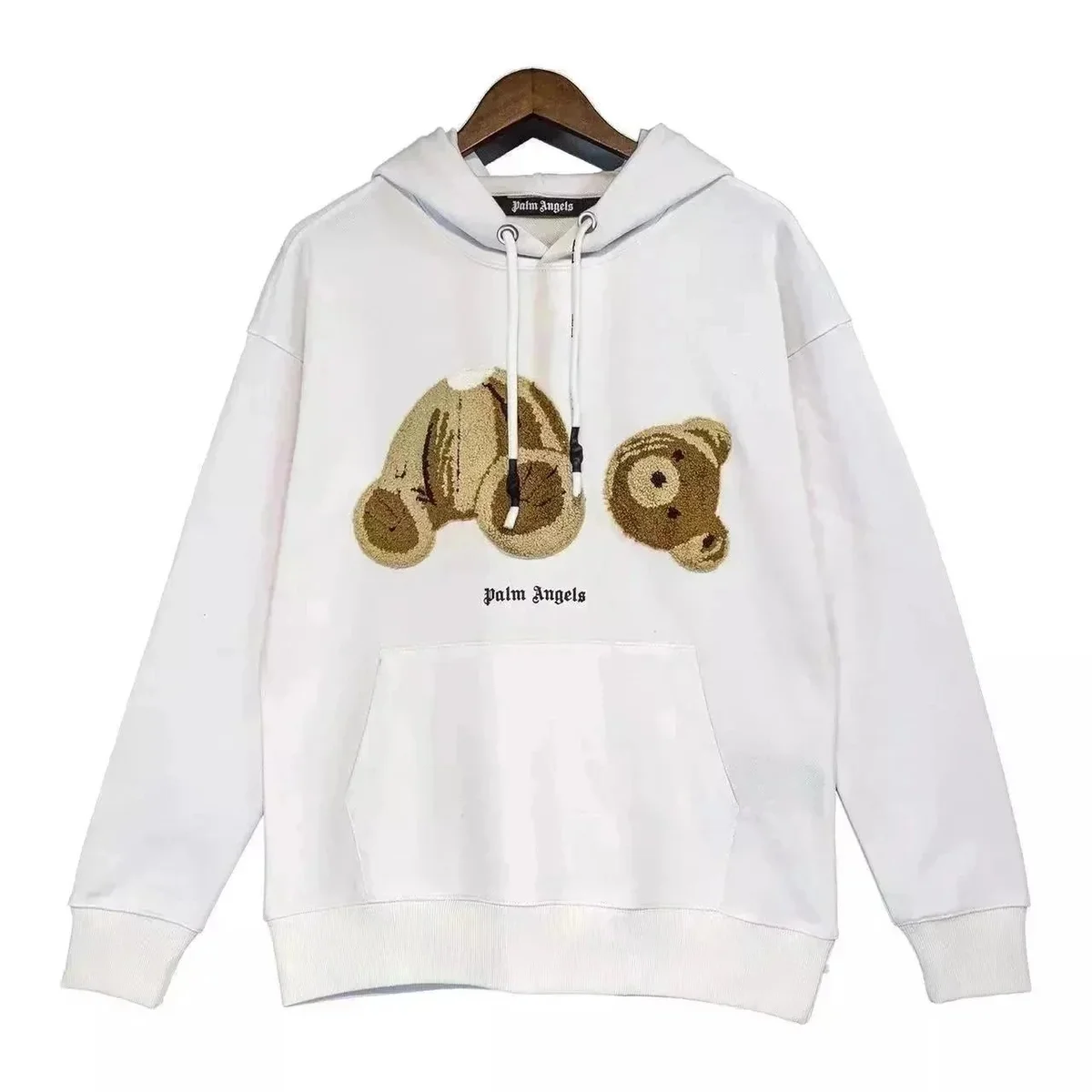
Palm Angels
~$28.72
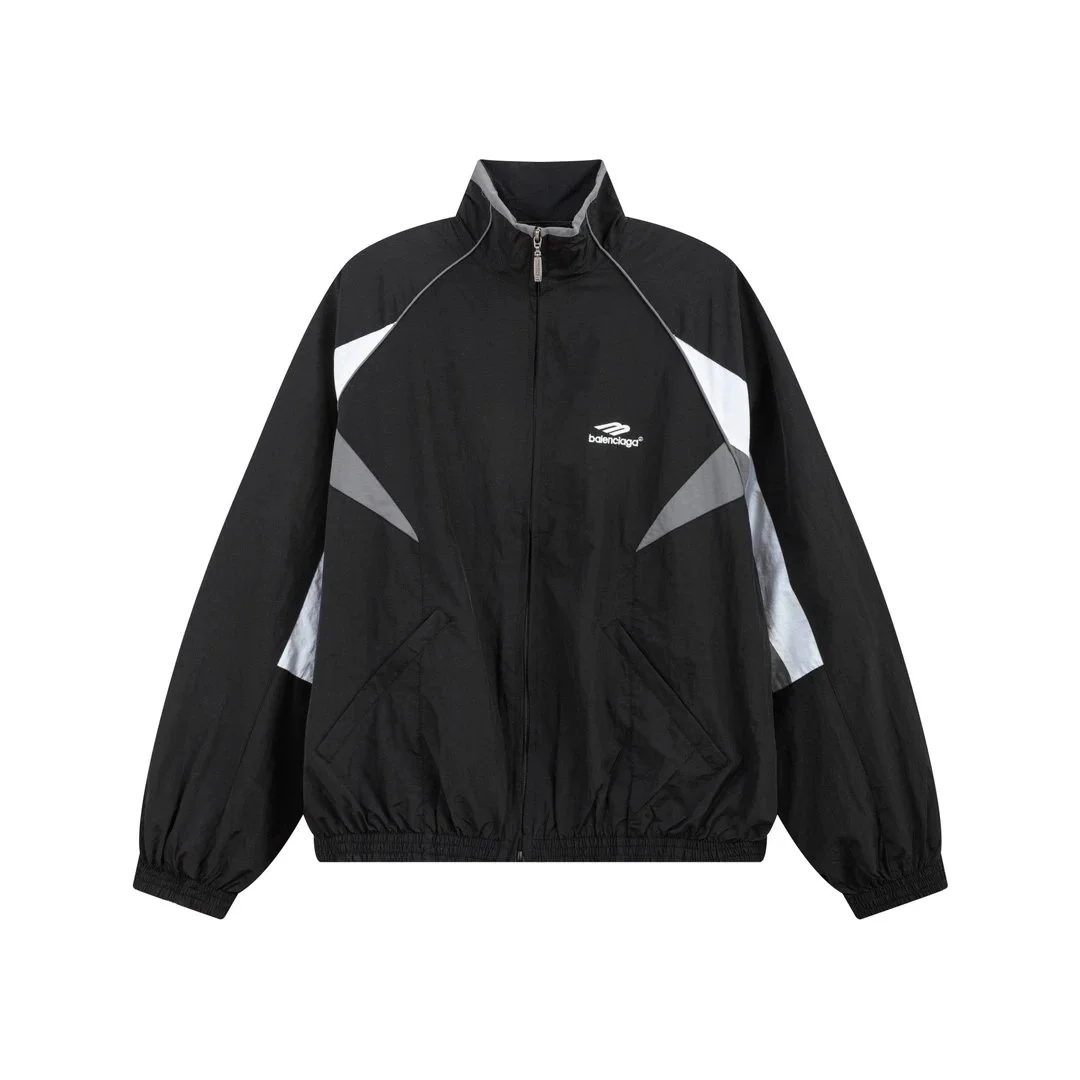
Balenciaga
~$47.30
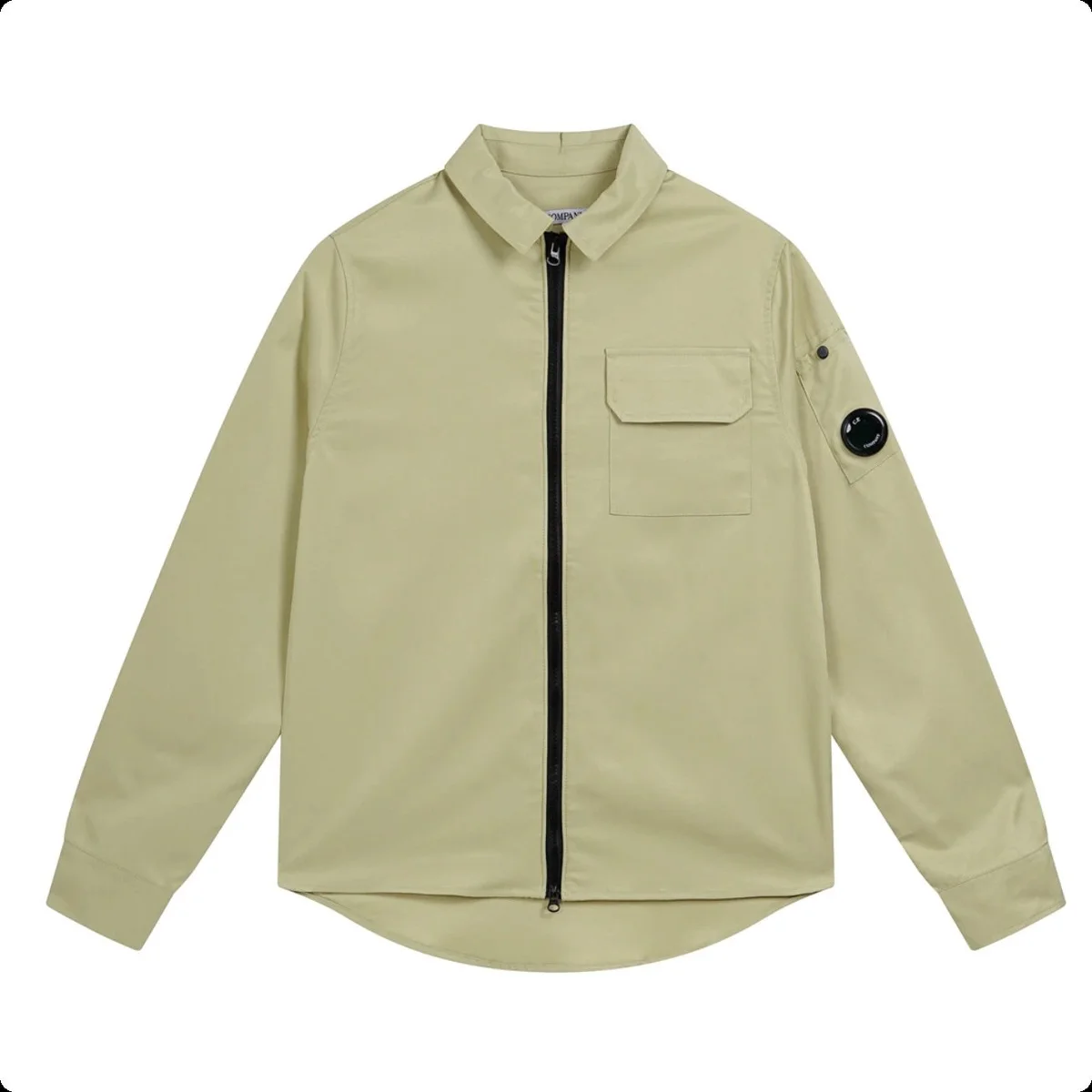
CP Company
~$33.33
Item-price references only. Shipping and other applicable charges are extra.
A CLEARER STARTING POINT
A Pikobuy spreadsheet collects product links, images and reference prices to help shoppers compare finds. Here, that information is organised into a web catalogue with eight categories and individual product pages.
Browse the selection, compare the exact style and keep the product link you want. This independent discovery site helps you build a shortlist; orders, payments and delivery are handled by your chosen buying platform.
Explore shoes, T-shirts, pants and shorts, hoodies, jackets, bags, electronics and accessories. Each category brings its selected products together.
Compare the saved images, style options and approximate USD item prices. International shipping and other applicable charges are separate.
Where available, open public warehouse photos for a closer view. Check the recorded option: a reference can show a different style, size or order.
Open the matching product on the main site to review its full details and purchasing links. Keep the style you selected in view as you continue.
YOUR NEXT THREE STEPS
Browse a category for a focused selection, or use the homepage search to open broader results on the main site. Open an item that matches the design you have in mind.
On the product page, check the selected style, images, reference price and available size information. If QC photos are included, check which option they show before comparing details.
Open the full product record on the main site and review its purchasing links. On your chosen buying platform, confirm the colour, size, availability, current price and applicable charges before paying.
A product-discovery list that brings together photos, links and reference prices. Our site organises selected finds into categories and product pages so you can compare details before opening the full listing.
No. Piko Finds is an independent discovery resource. Pikobuy operates its own accounts, purchasing and warehouse services. We do not hold account balances or manage orders.
Product information is saved from a dated catalogue record. Prices, available sizes and stock can change after that check. Confirm your exact option and its current availability on the purchasing platform; a saved size list does not reserve an item.
No. Public QC references show earlier warehouse records and may belong to another size, colour or related option. A shared-reference note identifies images associated with the source listing. Review the photos attached to your own order before shipment.
Full-product buttons open the main catalogue in a new tab. Review the matching record there, then confirm the buying platform, selected style, size and current price before payment.
A LITTLE LESS SCROLLING.